> For the complete documentation index, see [llms.txt](https://docs.flock.io/llms.txt). Markdown versions of documentation pages are available by appending `.md` to page URLs; this page is available as [Markdown](https://docs.flock.io/flock-products/api-platform/getting-started.md).
# Getting started
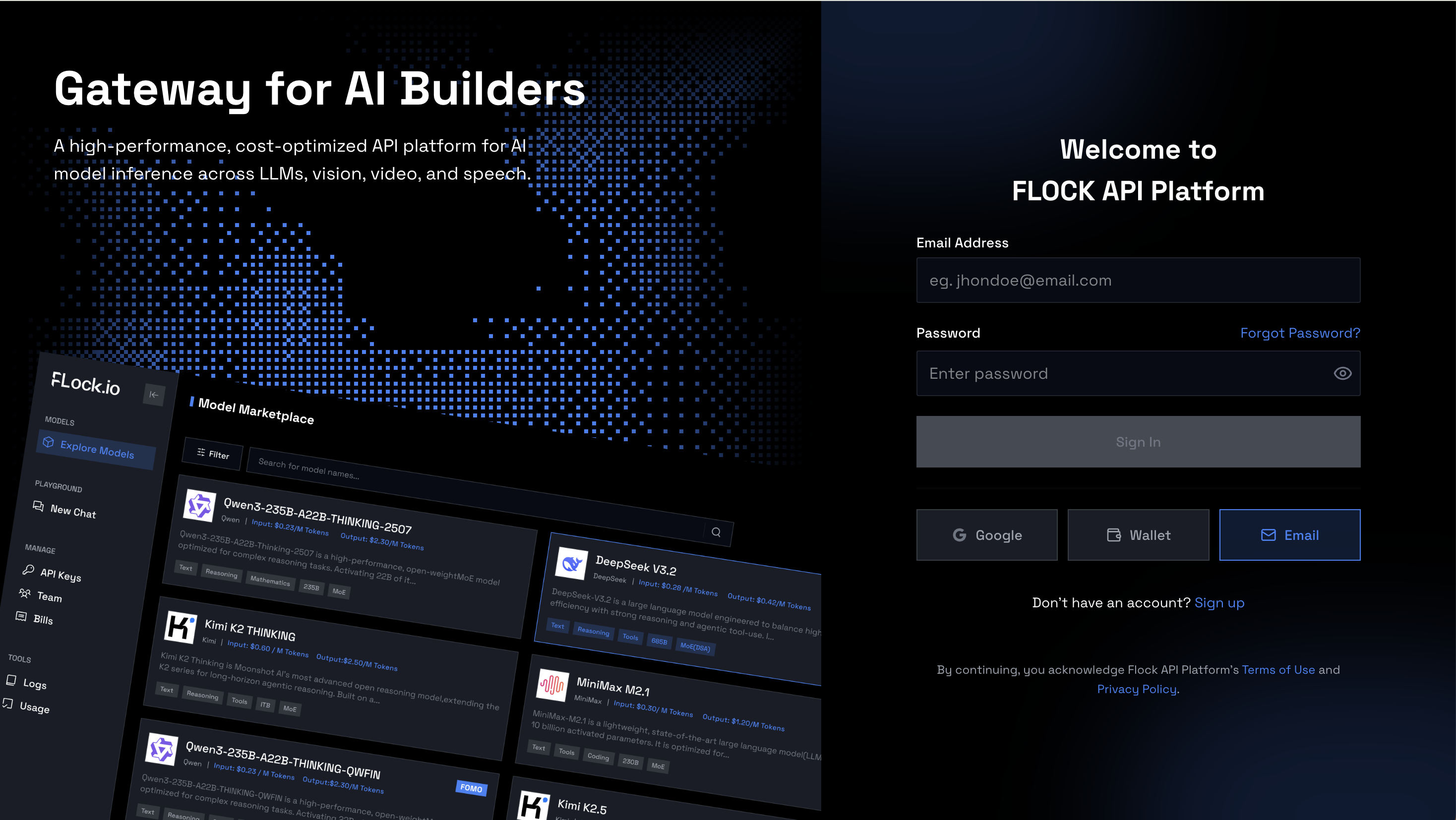
### Step 0: Head to [platform.flock.io ](https://platform.flock.io/)and sign up
### Step 1: Create an Team
Create a team to manage your organization’s API usage, billing, and access control in one place.\
All API keys, credits, logs, and members will belong to this team.
### Step 2: Create an API key
To start using the API, you will be prompted to create the API key first
Please keep your API key safe as you won't be able to see it again. If you lose it, please create a new key.
### Step 3: Use the API
Use your API key to authenticate requests from your application.
You can integrate the API using:
* REST endpoints
* Official SDKs (if available)
* Command-line tools
* Server-side applications
Please refer the section [API Endpoints](/flock-products/api-platform/api-endpoint.md) for request formats, endpoints, and example code.
### Step 4: Buy credits
Before making requests, ensure your account has sufficient credits.
Navigate to **Settings → Billing** to purchase credits.
We support payments using Stripe, Base Pay, and Coinbase.
Credits are deducted automatically based on your API usage.
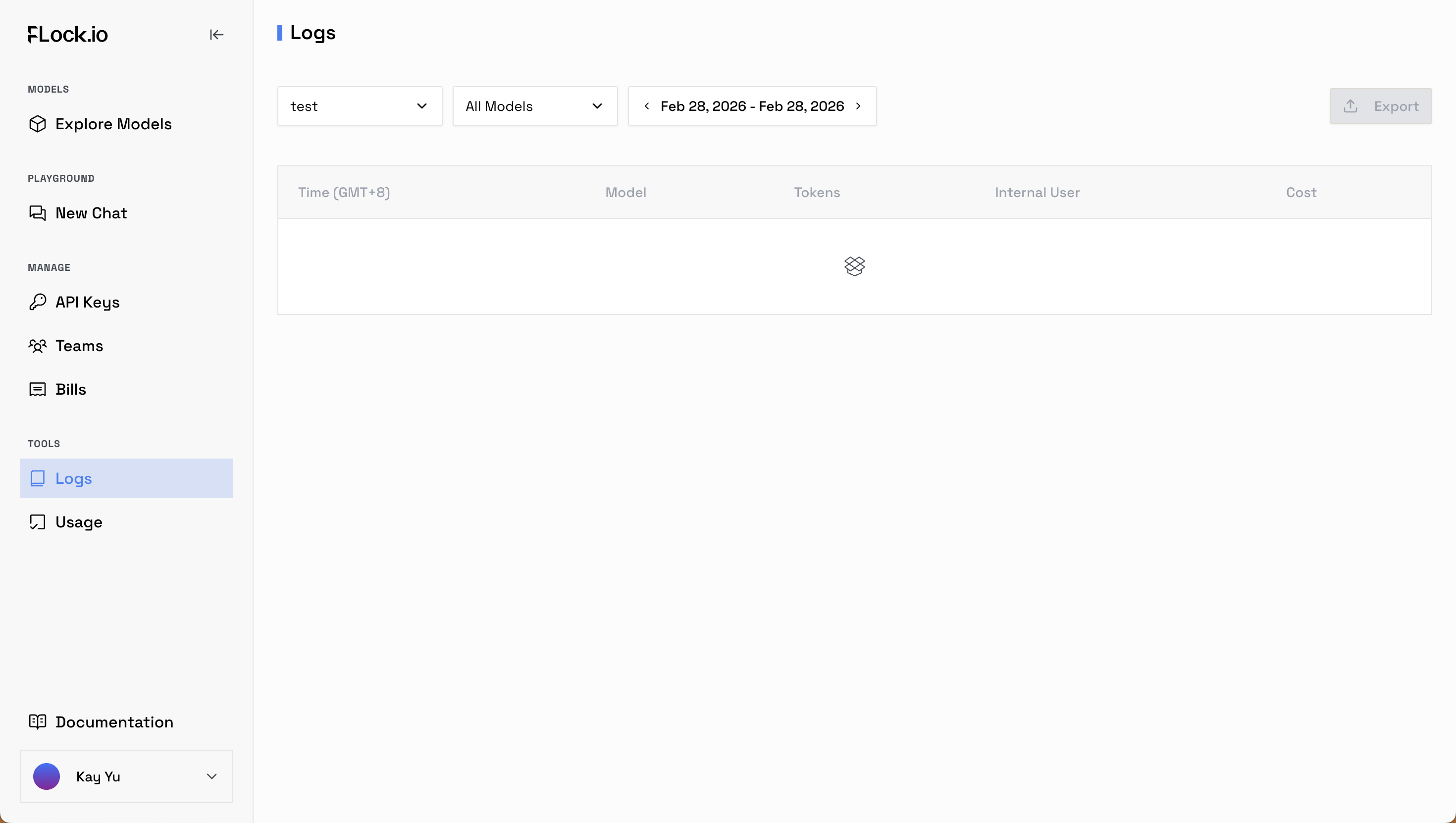
### Step 5: Track Usage
Monitor activity and costs in real time:
* **Logs tab** — View detailed request logs for selected time ranges, including status, latency, and errors
* **Usage tab** — Track total requests, token consumption, and average cost per request
This helps you debug issues, optimize usage, and manage spending.
### Step 6: Adding members to your organisation
Invite teammates to collaborate on the platform.
Go to **Teams → Members** to:
* Add new users
* Assign roles and permissions
* Manage access to API keys, billing, and logs
All members will operate under the same team workspace.
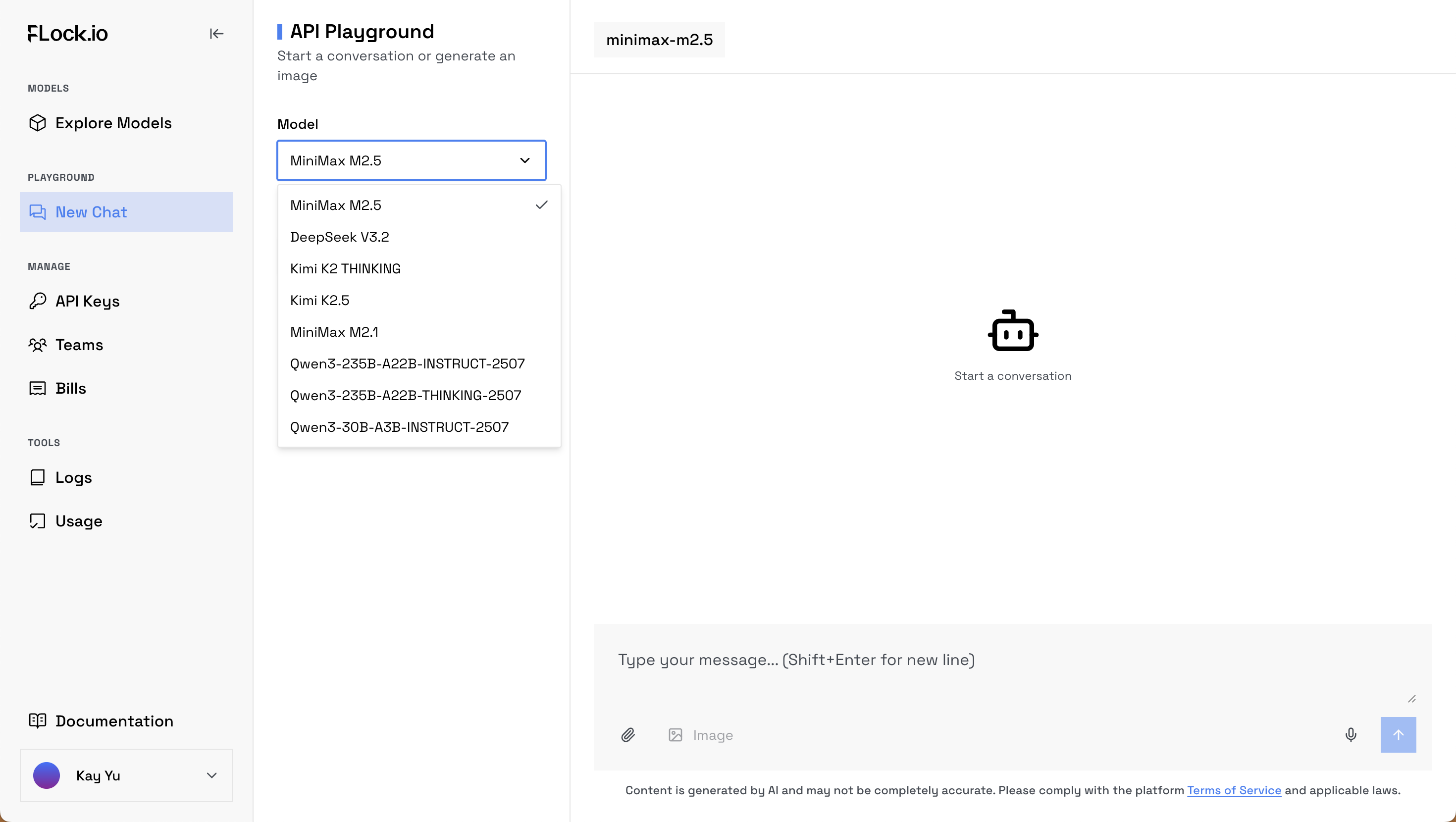
### Step 7: API Playground
Experiment with the API directly in your browser.
The Playground allows you to:
* Test different models
* Try prompts and parameters
* View responses instantly
* Generate sample code for integration
It’s the fastest way to explore capabilities before building your application.
---
# Agent Instructions
This documentation is published with GitBook. GitBook is the documentation platform designed so that both humans and AI agents can read, navigate, and reason over technical content effectively. Learn more at gitbook.com.
## Querying This Documentation
If you need additional information that is not directly available in this page, you can query the documentation dynamically by asking a question.
Perform an HTTP GET request on the current page URL with the `ask` query parameter, and the optional `goal` query parameter:
```
GET https://docs.flock.io/flock-products/api-platform/getting-started.md?ask=&goal=
```
`ask` is the immediate question: it should be specific, self-contained, and written in natural language.
`goal` is optional and describes the broader end goal you are ultimately trying to accomplish on behalf of the user. GitBook uses it to tailor the answer towards what is most useful for that goal.
The response will contain a direct answer to the question and relevant excerpts and sources from the documentation.
Use this mechanism when the answer is not explicitly present in the current page, you need clarification or additional context, or you want to retrieve related documentation sections.